
WordPress AI chatbot plugin
An AI chatbot for WordPress that answers from your documents.
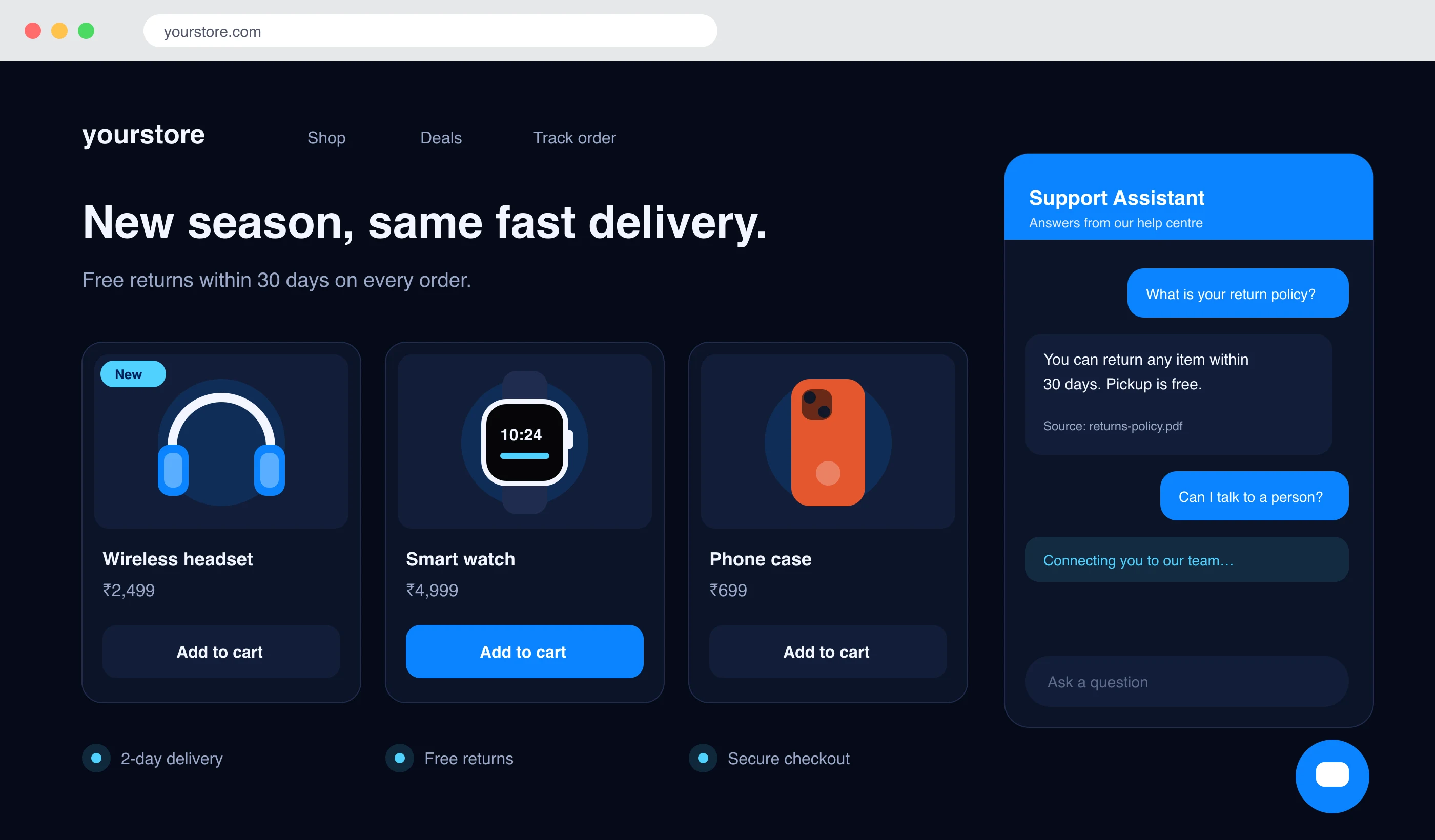
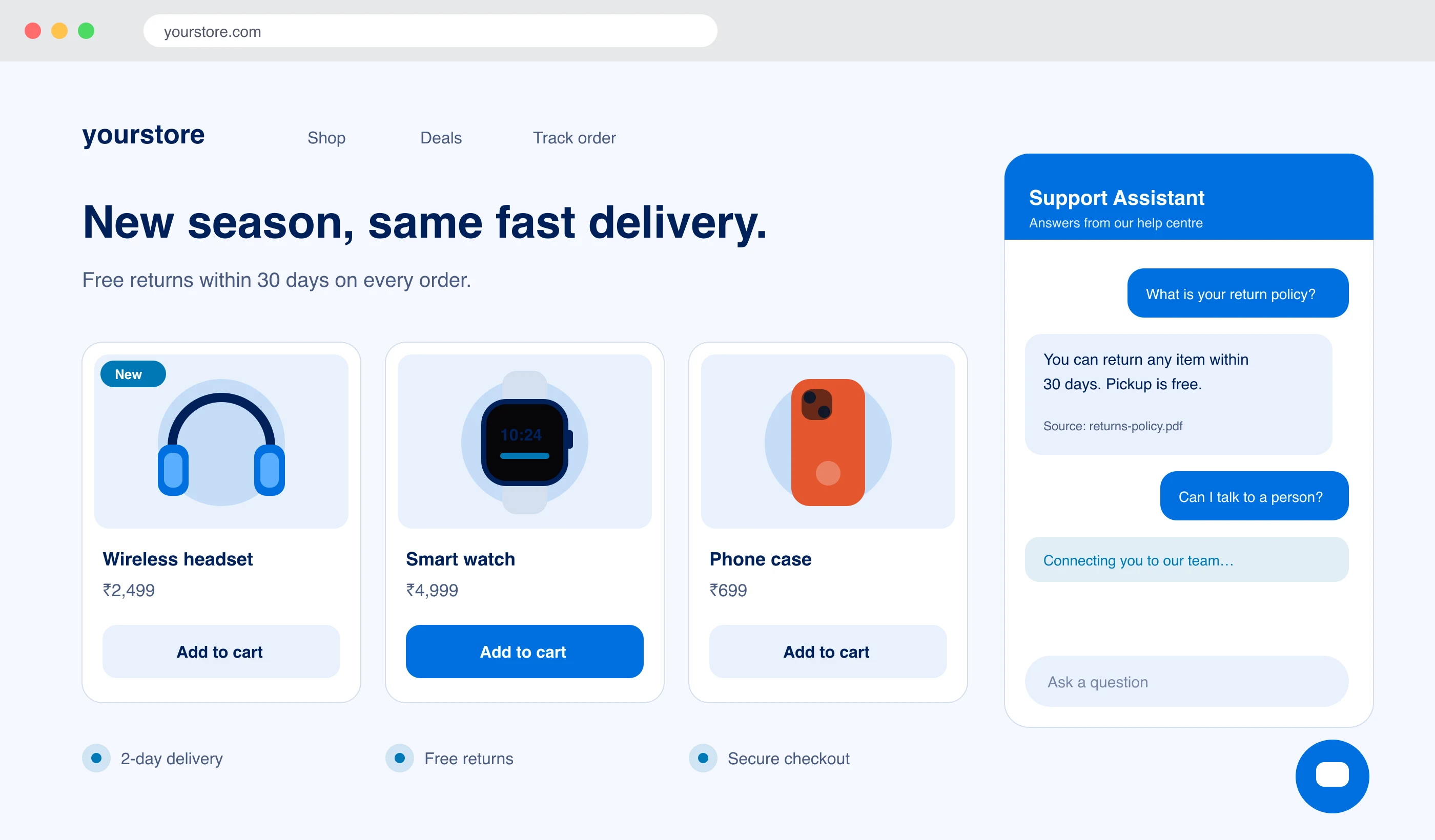
The LayBuild AI Chatbot plugin puts the chat widget on your WordPress site from a settings screen. You paste one key and save. The assistant answers visitors from the files, pages and Q&A you added in LayBuild AI, and your team can take over any chat.
- 01No theme edits or code
- 02WordPress 6.0+ and PHP 7.4+
- 03Plans from ₹1,499$19 a month
From install to first answer in three steps.
- 01
Install and activate the plugin
Upload the zip under Plugins → Add New → Upload Plugin, then activate it. The plugin loads nothing on your site until a widget key is saved.
- 02
Copy your widget key from LayBuild AI
Open Admin → Widget in LayBuild AI, add your site’s domain to the allowed domains, and copy the key. It starts with wkey_.
- 03
Paste the key and save
In WordPress, go to Settings → LayBuild AI Chatbot, paste the key and save. The chat launcher appears in the corner of your site.
Not on WordPress.org yet
We are preparing the WordPress.org listing. Until it is live, we send the plugin zip on request and you upload it under Plugins → Add New → Upload Plugin. You can also paste the embed snippet from Admin → Widget into your theme today.
Ask us for the WordPress pluginWhat you set from WordPress
- Brand colour, position, title, greeting, launcher label and avatar
- Light, dark or automatic theme
- Hide the chat from logged-in users, or on the posts and pages you pick
- Put the chat inside a page with the [laybuild_chat] shortcode
- Send chats to one agent when you have several
- Recognise logged-in users by a signed email address (off by default)
Is the WordPress plugin right for your site?
A good fit when
- Visitors ask the same questions about delivery, refunds, prices or bookings.
- Your answers already live in documents, pages on your site or an FAQ.
- You would rather change a setting than edit functions.php.
- You want the same assistant on your site and on WhatsApp.
Not the right tool when
- You want a chatbot that runs inside WordPress with no outside service. The plugin shows the widget, and LayBuild AI runs the assistant.
- You need a free plan. Every LayBuild AI plan is paid.
- Most of your content and visitors are not in English. Search over your content is English-first.
WordPress plugin questions, answered.
Accounts, page speed, where the chat shows and what happens when you remove it.
Do I need a LayBuild AI account to use the WordPress plugin?
Do I need a LayBuild AI account to use the WordPress plugin?
Yes. The plugin shows the chat widget on your site, and LayBuild AI runs the assistant behind it. You need an account and an active plan: Starter ₹1,499$19, Pro ₹3,999$49 or Premium ₹9,999$125 a month.
Is the plugin in the WordPress.org plugin directory?
Is the plugin in the WordPress.org plugin directory?
Not yet. We are preparing the WordPress.org listing. Until it is live, contact us for the plugin zip and upload it under Plugins → Add New → Upload Plugin. The embed snippet from Admin → Widget also works on any WordPress theme.
Will the chatbot slow down my WordPress site?
Will the chatbot slow down my WordPress site?
The widget script loads asynchronously in the footer, after your page content, so it does not block the page from rendering. It adds no stylesheet to the page head and is not loaded on AMP pages, feeds or in the WordPress admin.
What does the chatbot answer from?
What does the chatbot answer from?
From the content you add in LayBuild AI: uploaded documents, pages of your website and saved questions and answers. If nothing matches a question, the visitor gets a fixed reply saying the answer is not in the knowledge base.
Can I show the chat on some pages only, or inside a page?
Can I show the chat on some pages only, or inside a page?
Yes. You can hide the chat on the posts and pages you list and from logged-in users. To place the chat inside a page, add the shortcode [laybuild_chat], with an optional height such as [laybuild_chat height="700"].
What does the plugin leave behind when I delete it?
What does the plugin leave behind when I delete it?
Nothing. The plugin creates no database tables. It stores one settings row, and deleting the plugin removes that row.