
Shopify AI chatbot app
An AI chatbot for Shopify that answers from your store policies.
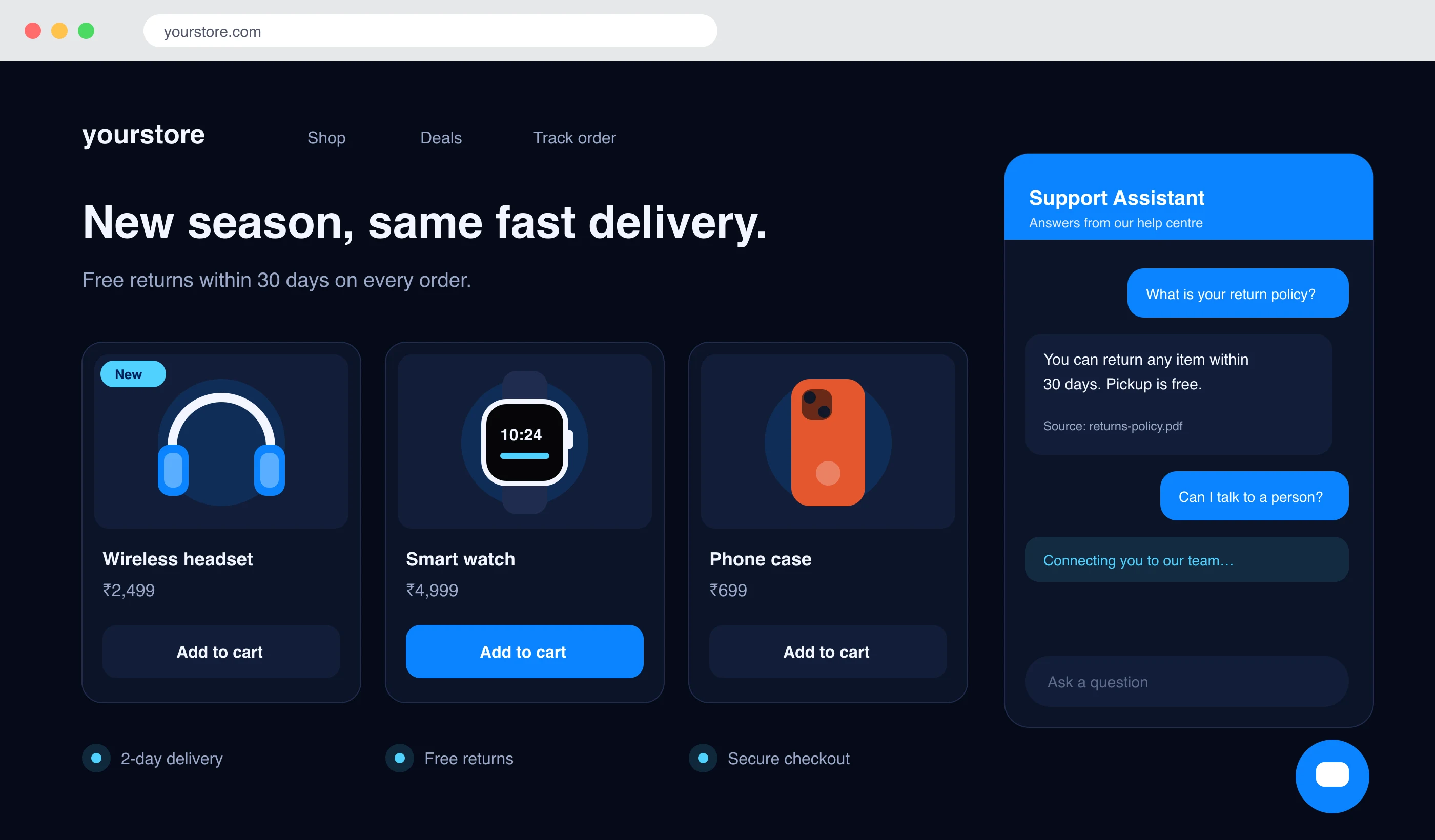
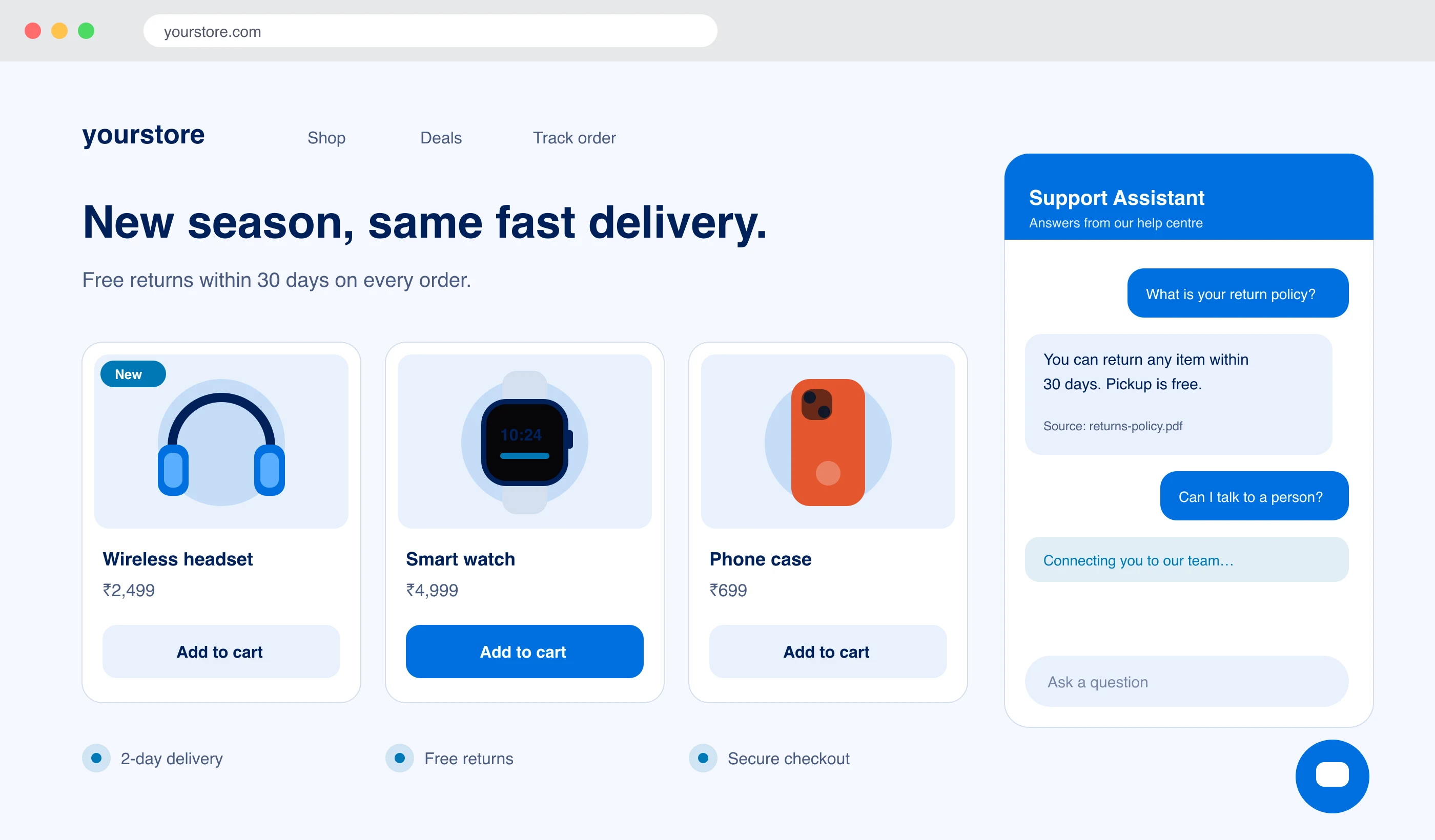
The LayBuild AI app adds the chat widget to your Shopify storefront as an app embed, so nothing is pasted into theme.liquid. The assistant answers shoppers from the documents, pages and Q&A you added in LayBuild AI, and your team can take over any chat.
- 01No theme code edits
- 02The app asks for no access to store data
- 03Plans from ₹1,499$19 a month
From install to first answer in three steps.
- 01
Install the app
Open the install link. The app page opens inside your Shopify admin, with no separate login.
- 02
Connect your LayBuild AI workspace
Copy the widget key and the identity secret from Admin → Widget in LayBuild AI, paste both on the app page and press Connect. The secret proves the workspace is yours.
- 03
Switch the app embed on
Open the theme editor from the app page. LayBuild AI Chat is listed under App embeds. Switch it on, save, and the chat is on your storefront.
Not on the Shopify App Store yet
The app is not listed on the Shopify App Store. We share it by install link on request. You can also paste the embed snippet from Admin → Widget into theme.liquid today.
Ask us for the Shopify appWhat you set in the theme editor
- Position, accent colour, title, greeting, launcher label and avatar
- Light, dark or automatic theme
- Open the chat on page load
- Hide the chat from logged-in customers
- Put the chat inside a page section with the inline block
- Recognise logged-in customers, so they are not asked for a name and email
Is the Shopify app right for your store?
A good fit when
- Shoppers ask the same questions about shipping, returns, sizing or payment.
- Your policies and product answers already live in documents or pages.
- You do not want chat code pasted into your theme files.
- You want one inbox for storefront chat and WhatsApp.
Not the right tool when
- You want the assistant to look up a shopper’s order in Shopify. The app requests no store data, so it answers from your content only.
- You want the charge on your Shopify bill. LayBuild AI bills you directly.
- You need a free plan. Every LayBuild AI plan is paid.
Shopify app questions, answered.
Installing, billing, what the app can see and what happens when you uninstall.
Is the LayBuild AI app on the Shopify App Store?
Is the LayBuild AI app on the Shopify App Store?
Not yet. We share the app by install link on request. Contact us and we will send it. Until then, the embed snippet from Admin → Widget works when pasted into theme.liquid.
What store data can the app read?
What store data can the app read?
None. The app requests no Shopify access scopes, so it cannot read your orders, products or customer list. It stores your widget settings on the app installation, and the storefront chat reads them from there.
How am I billed?
How am I billed?
You pay LayBuild AI directly: Starter ₹1,499$19, Pro ₹3,999$49 or Premium ₹9,999$125 a month. Nothing is added to your Shopify bill. You need an active plan for the assistant to reply.
Do I have to edit my theme code?
Do I have to edit my theme code?
No. The chat is a theme app extension. You switch it on under App embeds in the theme editor, and switching it off removes it. Your theme files are not changed.
Can the chat recognise a logged-in customer?
Can the chat recognise a logged-in customer?
Yes, if you turn on customer recognition when you connect. The storefront then signs the customer’s email, so a logged-in customer is not asked for a name and email before chatting. It is off by default.
What happens when I uninstall the app?
What happens when I uninstall the app?
The chat stops loading on your storefront. Shopify then sends a request to erase the shop’s data, and we delete the link between your shop and your LayBuild AI workspace.